Built by a real agency, for real agencies

The operating system your agency has been waiting for.

ClientFlow OS replaces Slack, Zoom, ClickUp and spreadsheets with one AI-powered platform built specifically for agency pod delivery.

25
modules, one workspace
10
minutes to set up
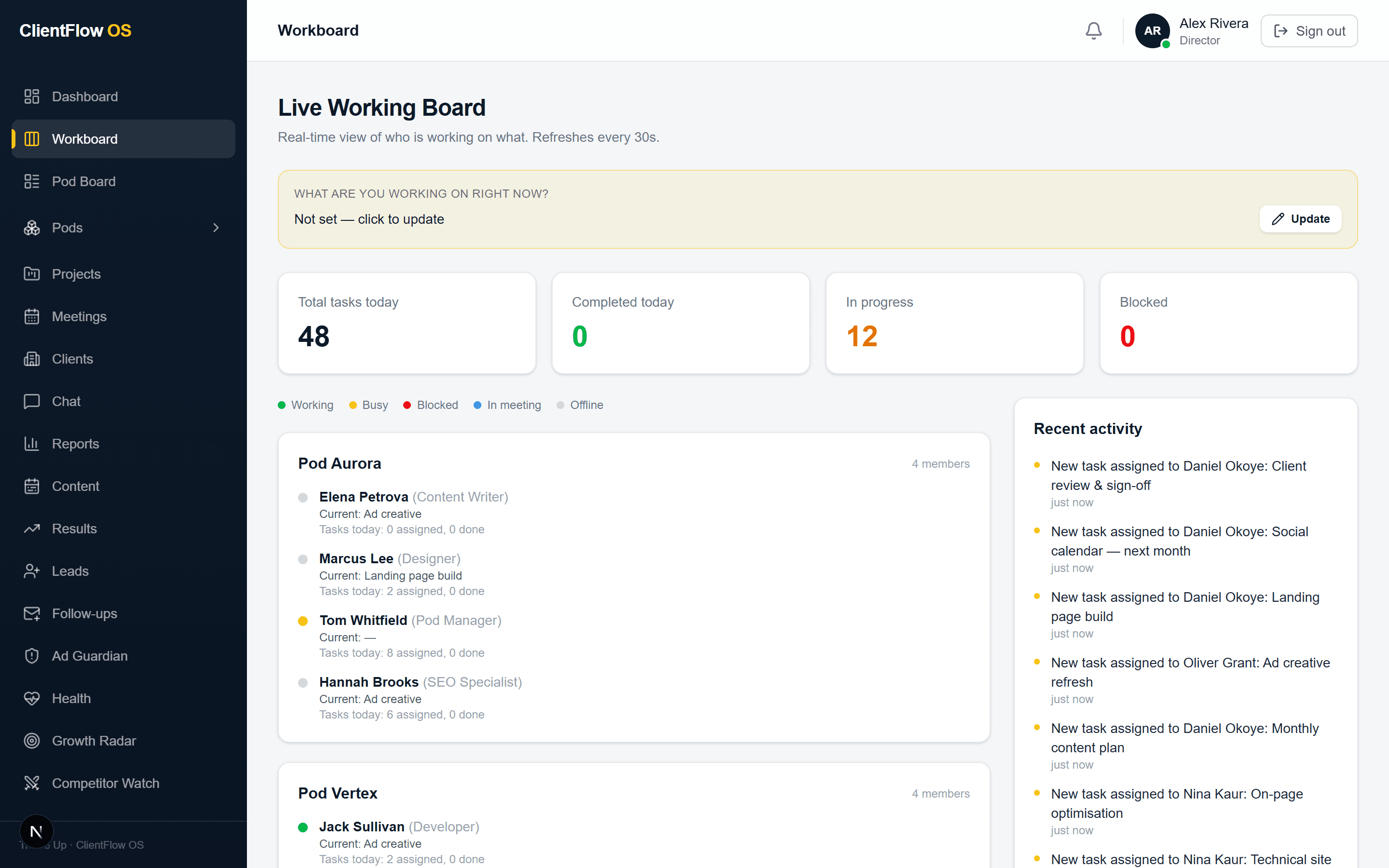
app.clientflow.os / workboard
The Workboard showing every pod and what each person is working on
  • Workboard
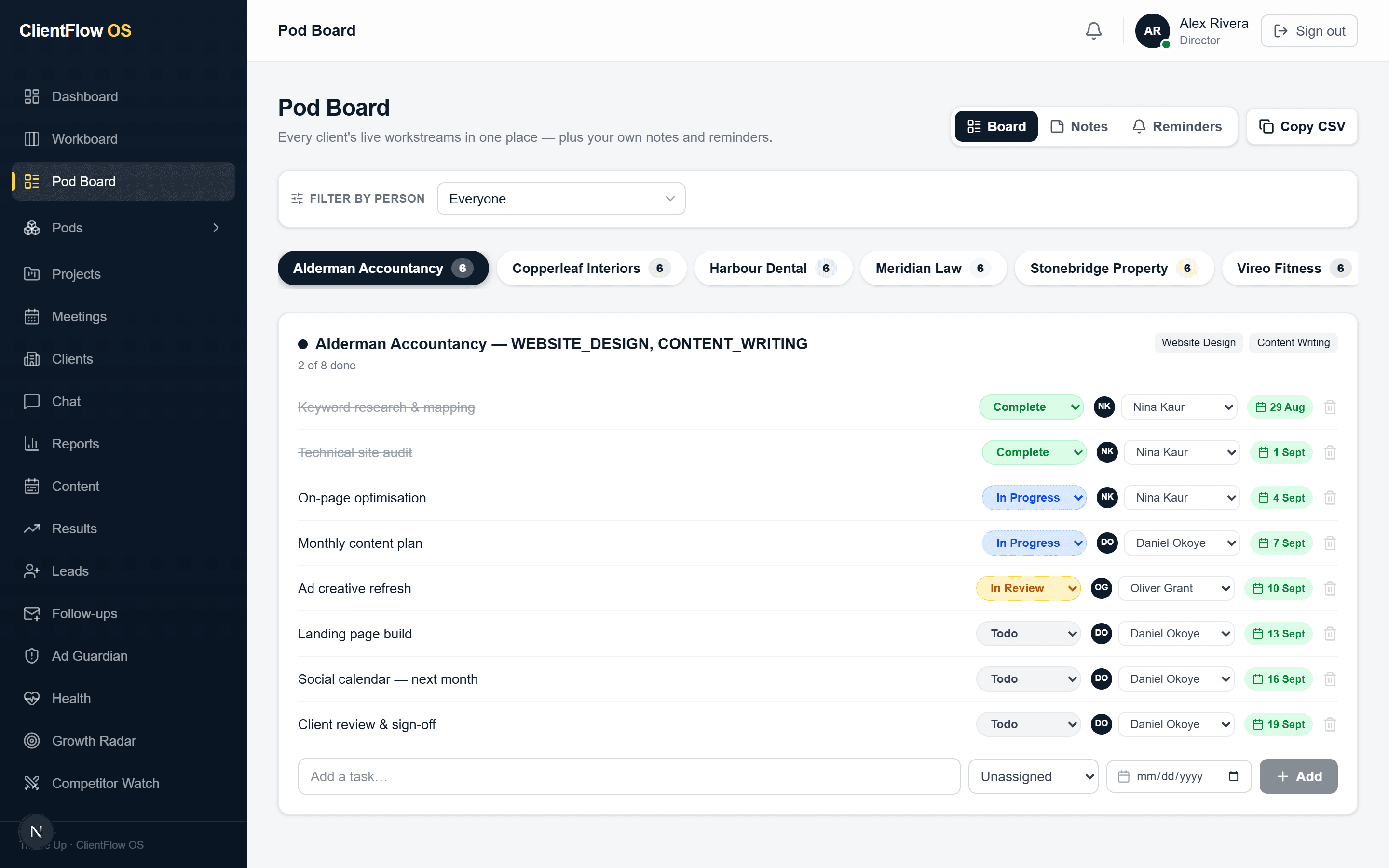
  • Pod Board
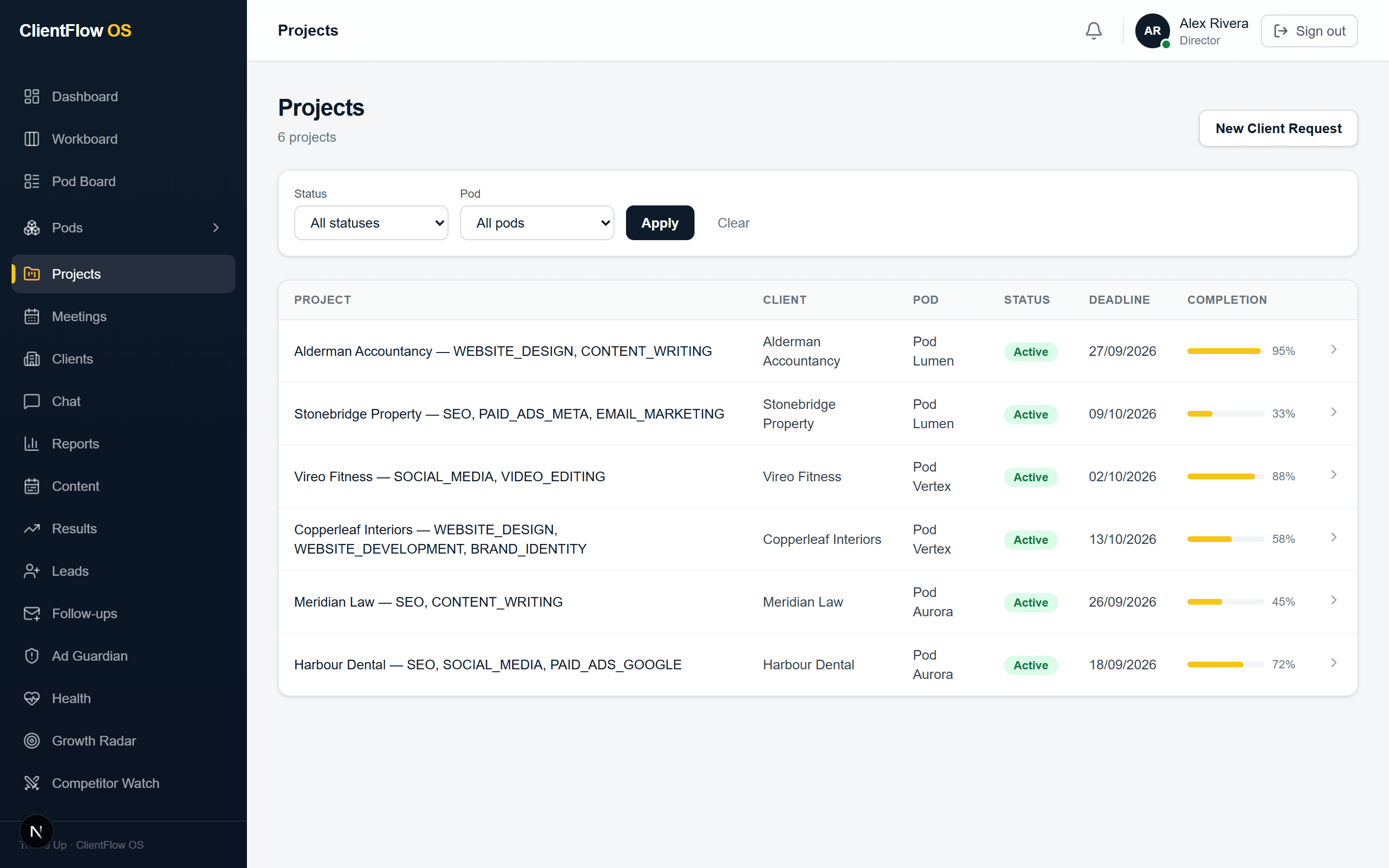
  • Projects
  • Pod routing engine
  • Meetings
  • Chat
  • Client portal
  • Client intake
  • Results
  • Content calendars
  • Leads
  • Follow-ups
  • Client health score
  • Growth Radar
  • Ad Guardian
  • Competitor Watch
  • Reviews
  • AI Visibility
  • Team intelligence
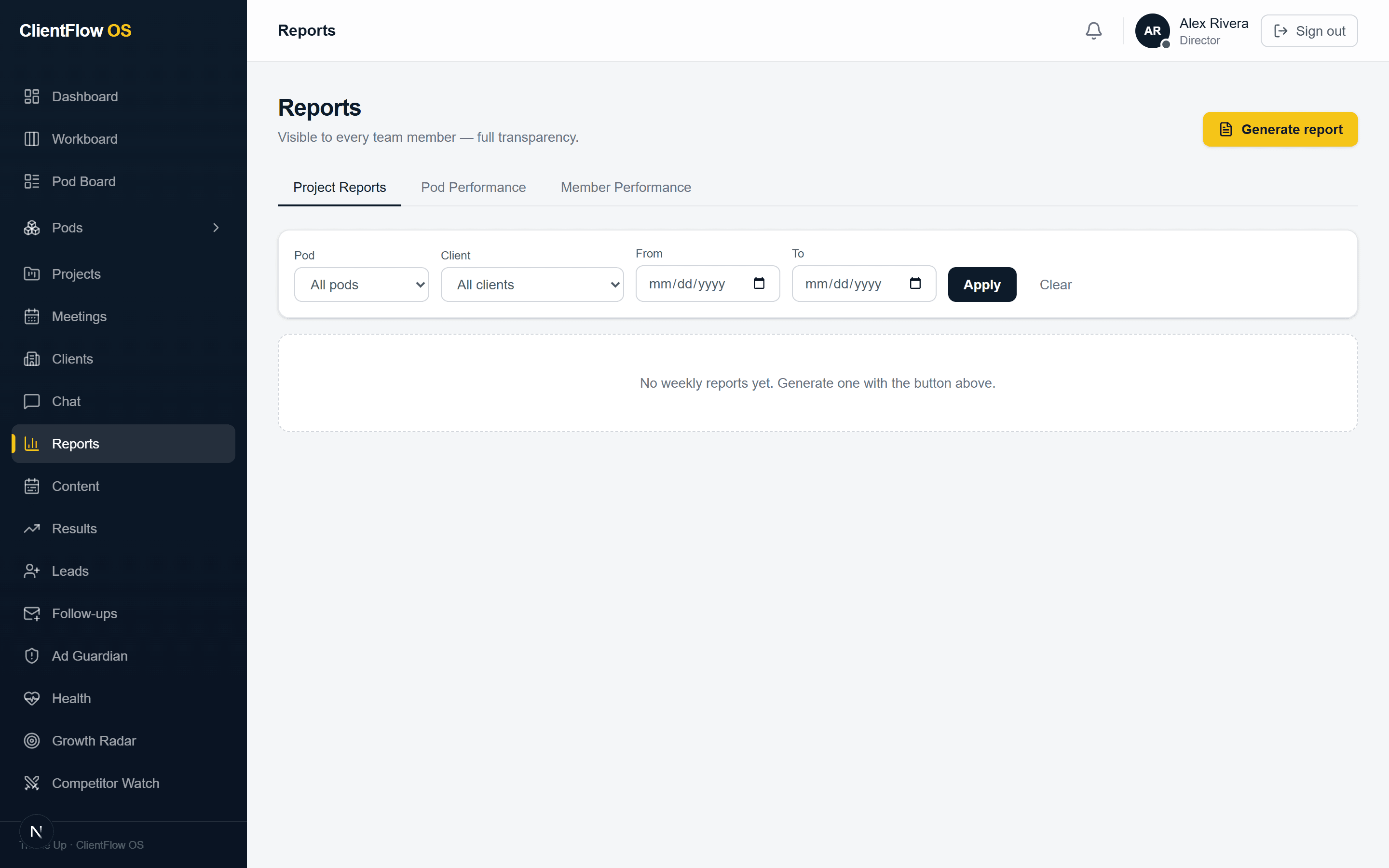
  • Reports
  • Finance
  • Director dashboard
  • Pods & people
  • Roles & permissions
  • Your own workspace

Seven swaps

The agency coordination problem is universal.

Most agencies run on a patchwork of tools that don't talk to each other. ClientFlow OS replaces all of it.

  1. Slack for chat

    01 / 07

    Chat that lives with the work

    Every conversation is attached to the client and project it belongs to, so a decision sits where the work is rather than 400 messages up a channel. Someone joining the pod in month six can read how you got here.

    Northside Dental· Website build
    TW

    Tom W · 09:14

    Client signed off the homepage copy this morning.

    EP

    Elena P · 09:21

    Briefing the designer today — build starts Thursday.

    Decision

    Decisions end up buried in a channel, and the context dies with the thread.

    Chat
  2. Zoom for calls

    02 / 07

    Calls with AI notes built in

    Meetings run inside the platform. The transcript becomes a structured summary — decisions, key points, action items — and those action items become real tasks on real people. A project manager reviews it before anything reaches the client.

    Weekly check-in· 12/09/2026

    AI summary · action items

    • Send revised sitemapPM2 days
    • Prepare brand asset packDesigner5 days

    Awaiting PM review before it reaches the client.

    Whatever nobody wrote down afterwards is simply gone.

    Meetings
  3. ClickUp for tasks

    03 / 07

    A board built around pods, not projects

    Work is grouped by pod and by person, so you can see who is at capacity today. New tasks get assigned on real availability instead of a guess, and the daily limit stops one person quietly absorbing everything.

    Pod AuroraToday
    • EP
      Elena P Content2/5
    • ML
      Marcus L Designer5/5
    • JS
      Jack S Developer3/5

    Marcus is at the daily limit — assign elsewhere.

    Nobody can see who is actually at capacity today.

    Workboard
  4. Spreadsheets for clients

    04 / 07

    A real client record — and a portal they log into

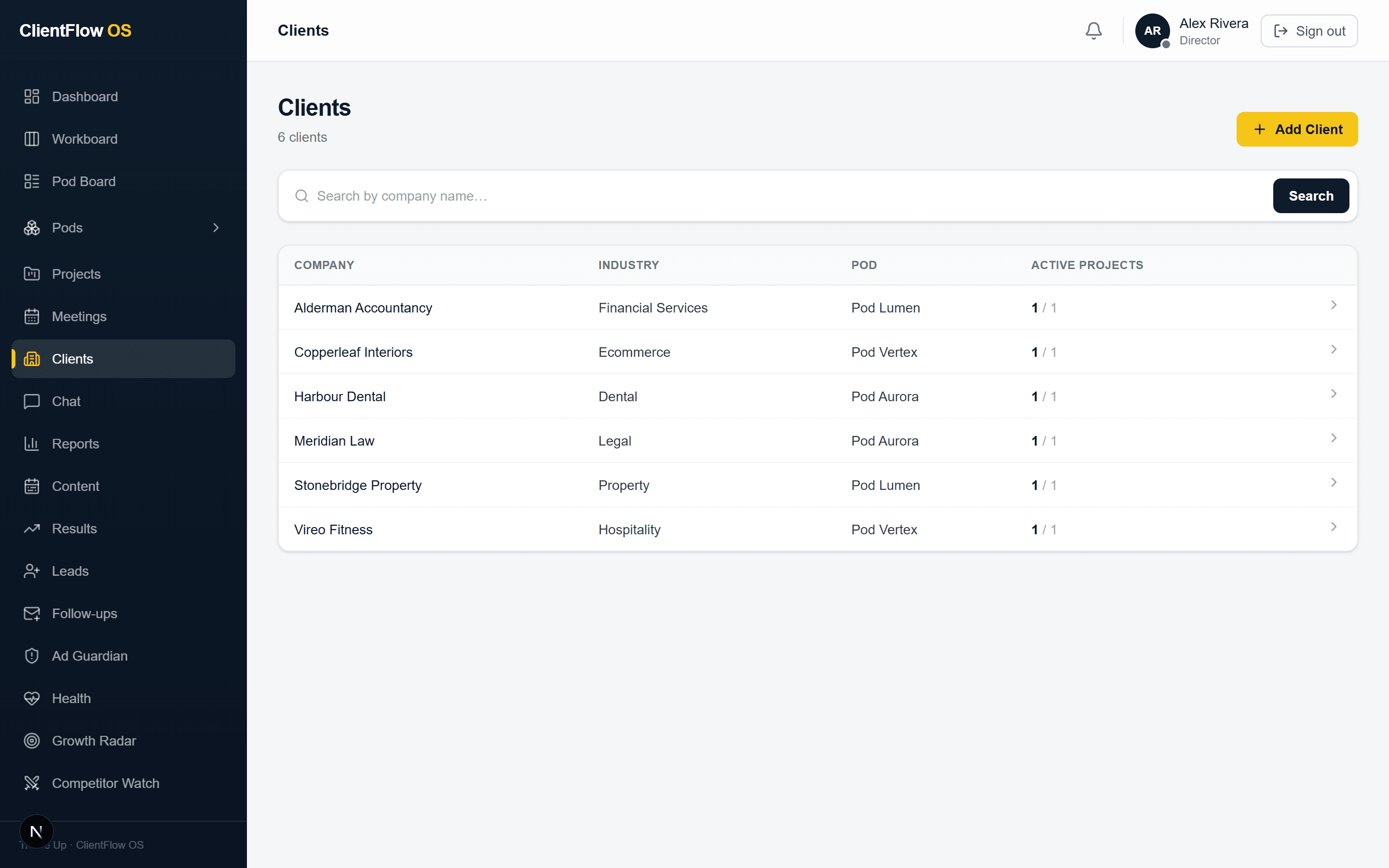
    One record per client: contacts, services, projects, files, invoices, the whole history. Clients get a branded portal where they can watch progress, approve work and message the pod, instead of emailing to ask how it is going.

    Northside Dental· Client portal
    Website build68%
    Homepage designApprove
    September reportNew

    One file per client, each a slightly different shape, none of them current.

    Client portal
  5. Manual reports

    05 / 07

    Reports drafted for you, every Friday

    Each report is written from what actually happened that week — tasks completed, results moved, meetings held. It is a draft, not a send: a person reviews and edits first, and nothing reaches a client unread.

    Week 37 report· Drafted Fri 09:00

    14 tasks completed across SEO and social

    Organic sessions up on the previous week

    Two design approvals outstanding

    Awaiting reviewNothing sends unread

    Someone rebuilds by hand, every week, what the system already knows.

    Reports
  6. Chasing payments by hand

    06 / 07

    Invoices that chase themselves

    An overdue invoice starts its own polite, escalating follow-up sequence. Outstanding money and cashflow sit on one screen, so chasing stops depending on somebody remembering to check.

    Outstanding4,700
    • #1042£2,400Chaser 3 of 3
    • #1039£1,150Chaser 1 of 3
    • #1036£1,150Paid

    Sent automatically, in your tone of voice.

    Money sits uncollected until somebody remembers to look.

    Finance
  7. No visibility across pods

    07 / 07

    Live intelligence on every pod and client

    Client health is scored continuously, so a client going quiet surfaces as a risk rather than a resignation email. Growth opportunities, wasted ad spend and team burnout are flagged the same way.

    Client healthScored daily
    • Northside Dental61
    • Halcyon Legal88

    Northside flagged — going quiet for three weeks

    You find out a client is unhappy when they tell you.

    Client health score

Beyond the seven swaps

The rest of the system, working.

01 · Clients

Client intake

A public request form captures goals, audience, services, timeline and assets, then creates the client, the project and an AI-written brief automatically.

1
2
3
4
5

Company

Services

Goal

Budget

Client, project and AI brief created — waiting on PM review

02 · Delivery

Projects

Each project holds its AI-written brief, a generated task plan ordered by delivery dependency, files, meetings and the message thread with the client. Progress updates itself as tasks complete.

Harbour Dental — Website build

Pod Aurora · due 31/10/2026

0%

Task plan

Keyword research
Technical audit
Homepage copy
Landing page build
Client sign-off

Files

Brand guidelines.pdf

Sitemap v2.png

Client thread · Priya S.

Love the homepage — approved from our side.

03 · Clients

Content calendars

Give it a topic, an audience and a month. Get a full calendar of posts with captions, hashtags and suggested posting times, ready for the client to approve.

Topic: Saturday clinicAudience: Local familiesMonth: November Generating
MTWTFSS
1
2
3
4
5
6
7
8
9
10
11
12
13
14
15
16
17
18
19
20
21
22
23
24
25
26
27
28
29
30

12 posts with captions and times — sent to the client to approve

04 · Intelligence

Reviews

Monitors Google, Trustpilot and Facebook, drafts a considered response with AI, and lets the client approve it in their portal before it is posted.

James R. · Google

Great dentist, but waited 40 minutes on Saturday.

Drafted reply

Approved by the client in their portal

Posted

05 · Clients

Leads

Track every lead your work generates through to whether it became a paying customer, so you can prove the value you created in pounds — not impressions.

Enquiry

Oakfield Gym

Mrs Ellis — implants

via Google Ads

Call booked

Proposal

Kerr family

Won

Revenue your work created this month

£12,400

06 · Clients

Follow-ups

Build an email sequence once and every captured lead gets followed up on schedule — one of the easiest services to sell on top of what you already do.

New patient sequence

Runs on every captured lead

Day 0

Thanks for your enquiry

Sent

Day 2

Here is what a first visit looks like

Sent

Day 5

Book your Saturday slot

Sent

Mrs Ellis replied — booked for Saturday 14/11/2026

07 · Intelligence

AI Visibility

Tracks whether your clients appear in ChatGPT, Perplexity and AI Overviews for the questions their customers ask — the search surface nobody else is reporting on yet.

The question their customers ask

“Best family dentist open on Saturdays near Leeds?”

ChatGPT
Perplexity
AI Overviews

08 · Business

Director dashboard

Active clients, what is on track, what is at risk, pod capacity, client health, opportunities and the finance position — the view that tells you where to look today.

Active clients

34

On track

29

At risk

3

Outstanding

£8,450

Pod capacity

6 active clients = full

Pod Aurora
Busy
Pod Vertex
Open
Pod Summit
Full
Pod Harbour
Open

Look here today: Pod Summit is full, and Meridian Law has gone quiet.

09 · Business

Roles & permissions

Every module can be shown or hidden per department from one editable matrix — so a designer sees their work and a director sees the money.

Who sees what

One editable matrix

WorkboardFinanceReportsHealth
Director
PM
Designer
Client

Every module, per department

10 · Business

Your own workspace

Each agency gets a fully isolated workspace. Your clients, projects, team and settings are never visible to another agency on the platform.

Workspace

Trickle Up

Isolated — no other agency can see it

TTrickle Up · Client portal

The intelligence layer

From operations to intelligence.

Every other platform stops at recording what happened. This one reads the record as it fills — and tells you what it means while there is still time to act on it.

Everything the platform already records

  • Tasks
  • Meetings
  • Messages
  • Invoices
  • Reports
  • Deadlines

Read continuously — not once a month, and not by someone remembering to look

Ad Guardian

Catch wasted ad spend while it is still small.

Paused offer · still spending£212

Flagged this morning — pause the campaign

Results Intelligence

Connect the work you do to real results in pounds.

SEO£4,200
Social£2,600
Paid£1,400

Growth Radar

Surface growth opportunities before clients ask.

2 signals

Ranking for terms you don't sell yet

Competitor Watch

Weekly monitoring, written up for the client.

Rival ANew landing page
Rival BPrice change
Rival CNo change

Team Intelligence

Spot burnout and assign the right person every time.

Designer at 5 of 5 today — reassign

WhatsApp Integration

Reach clients where they actually are.

Your weekly report is ready to view.

Delivered · read 09:12

See how the intelligence layer works

Readings shown are illustrative.

Customer zero

It ran an agency before it ran yours.

We built ClientFlow OS to run Trickle Up — five pods and sixty people on one system. Now we're opening it up to other agencies.
The team at Trickle UpDigital marketing agency · United Kingdom
5
delivery pods
60+
people
1
workspace, not six tools
Read how we run on it
Trickle Up workspaceLive

Pod 1

Pod 2

Pod 3

Pod 4

Pod 5

Working Task done In a meetingIllustrative activity

Before · six places

ChatCallsTasksSpreadsheetsReportsInvoicesOne workspace

Simple, honest pricing.

Every plan includes the full platform. Upgrade as you grow.

Starter

For small agencies getting organised.

£149/month

  • Every module except WhatsApp and Growth Radar
  • Client Health Scoring
  • Results Intelligence
  • Smart Payment Chaser
  • Team Intelligence
  • Up to 2 pods
  • Up to 15 team members
  • Up to 10 clients
  • Email support
Get started
Most agencies

Professional

For growing agencies that want it all.

£249/month

  • Everything in Starter
  • Growth Radar AI
  • WhatsApp Integration
  • Up to 6 pods
  • Up to 40 team members
  • Up to 30 clients
  • Priority email support
  • Monthly strategy call
Get started

Enterprise

For established agencies at scale.

£449/month

  • Everything in Professional
  • White-label client portal
  • Custom domain (on request)
  • Read-only data API
  • Unlimited pods, members & clients
  • Dedicated account manager
  • Custom onboarding session
  • Written SLA with service credits
Contact us

Built, not bolted together

One codebase. Every screen your agency runs on.

lib/routing-engine.ts

app/

api/

(public)/

components/

lib/

claude.ts

routing-engine.ts

prisma/

1export async function runRoutingEngine(projectId) {

2 const pods = await prisma.pod.findMany()

3 const scores = pods.map(pod => score(pod))

4 // capacity · delivery · deadlines · load

5 const best = scores.filter(s => s.canAccept)

6 .sort((a, b) => b.total - a.total)[0]

7 await assign(projectId, best.podId)

8 await notifyPodPM(best.podId)

9 // Pod Aurora · 82/100 ✓

10}

Revenue · Sep

£28,700

Pod capacity

Aurora
Vertex
Summit

Client health

81

Healthy ↑

Today

Technical audit

Landing page

Ad copy

Weekly report

Fri 09:00 · for review

Routing

Harbour Dental →

Pod Aurora

82 / 100

Start trialBook demoAuto-chase

November content

FAQ

Questions, answered.

The things agencies ask us before they start. If yours isn't here, a person will answer it — not a bot.

Still wondering?

Ask the team that built it.

hello@trickleup.co.ukBook a demo
  1. No. Our onboarding wizard configures everything for you in under 10 minutes — no code, no consultants.

  2. Yes. Add your pods, team members and clients during onboarding, or bring them in anytime from the dashboard.

  3. Choose a plan to keep going. Your data is safe and nothing is deleted — you simply pick Starter, Professional or Enterprise.

  4. Your data lives in an isolated workspace with role-based access. We never share it, and you can export or delete it anytime.

  5. Yes — cancel in one click. Your access continues until the end of your billing period, no questions asked.

  6. Larger agencies get Enterprise pricing with white-label branding and a dedicated manager. Talk to us for volume deals.

Ready when you are

Your pods are built. Now give them the system they deserve.

Set up your pods, bring in your clients and see the whole agency on one screen — in about ten minutes.

  • 14 days free
  • No card needed
  • Cancel anytime